
The alarm you can't ignore
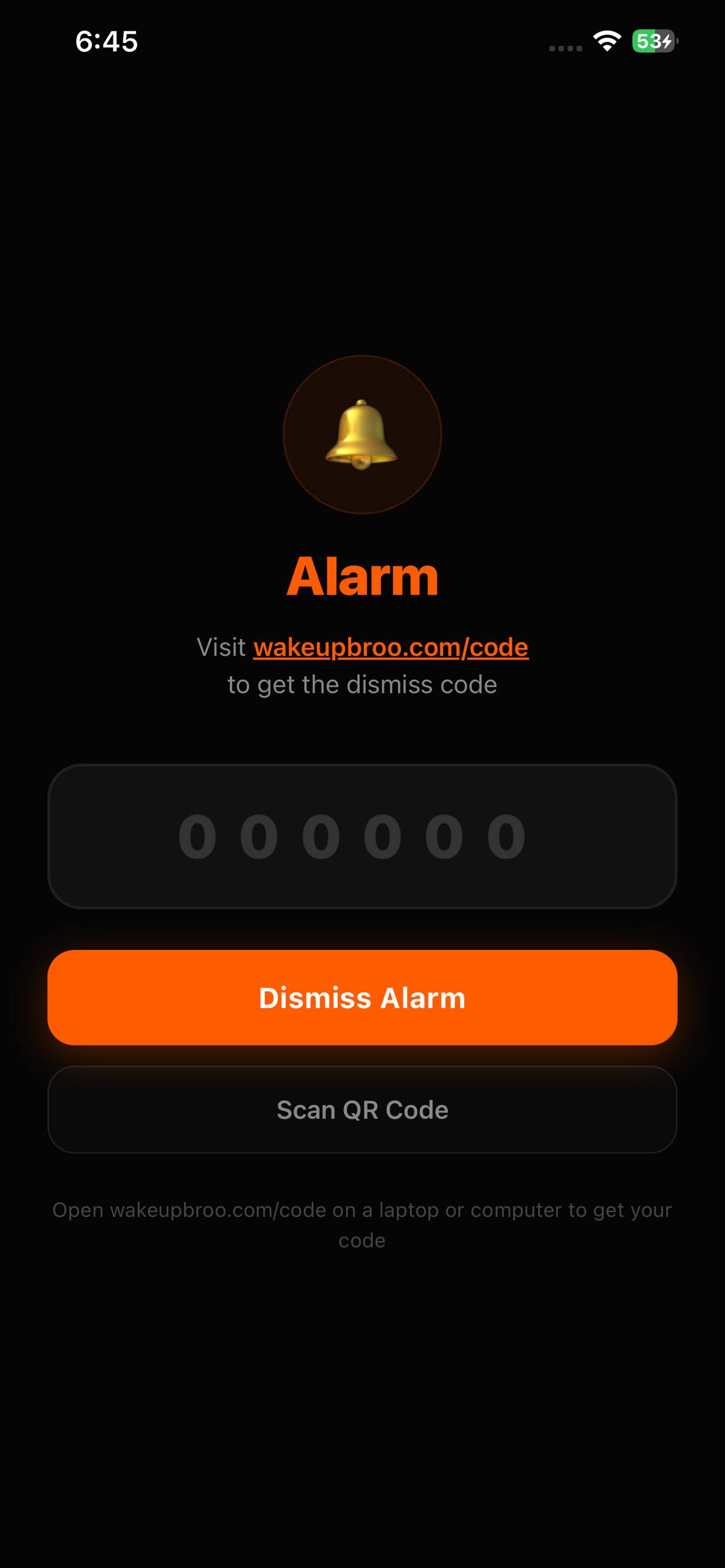
To silence the alarm, you need a code that only exists on this website. No code, no silence. Good morning.
Free to download · 7-day trial · Android in development
0
Dismiss buttons
0
Snooze buttons
5 min
Code rotation
How it works
Three steps to get out of bed
Every screen below is the real app. Set the alarm, hear it fire, then prove you're awake.
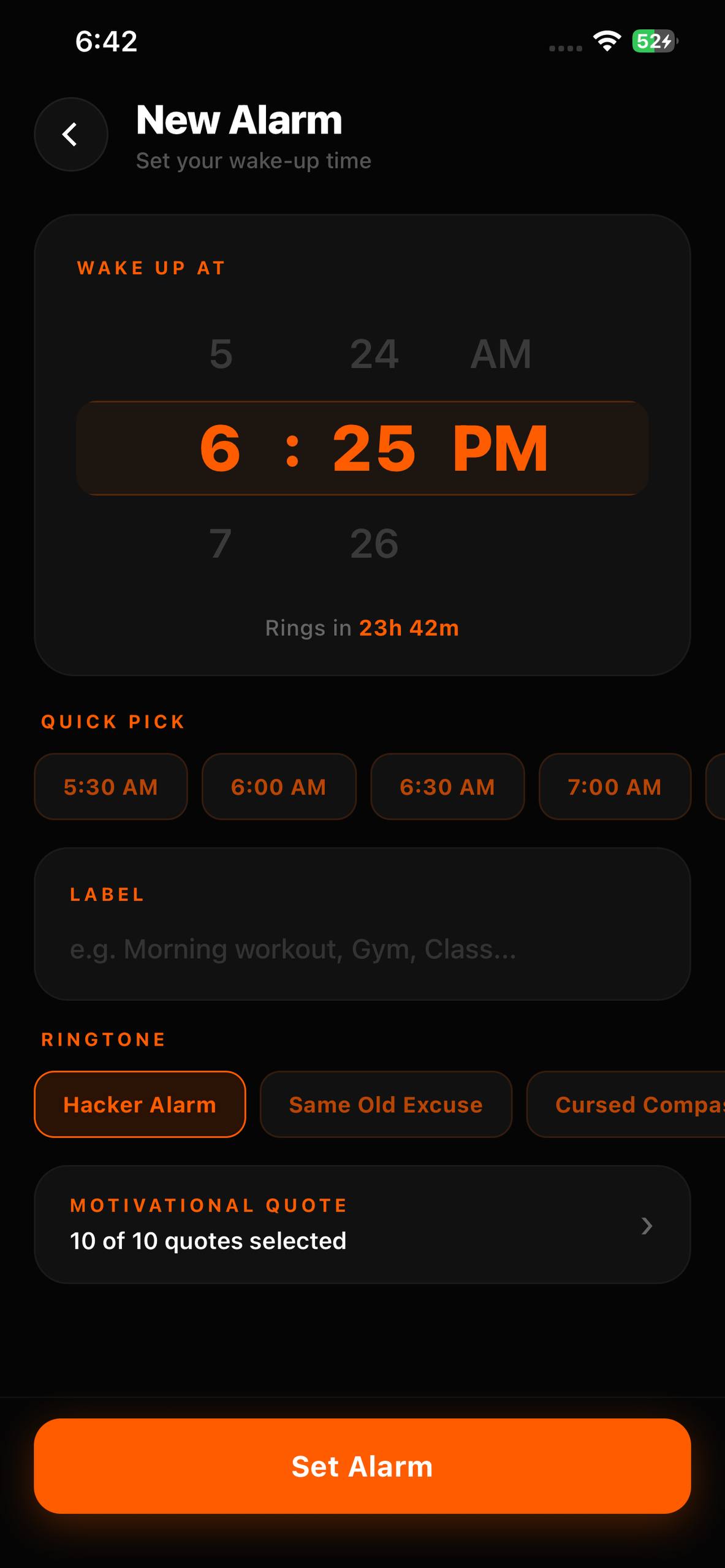
Set your alarm
Pick your time. Set a label. Go to sleep knowing there's no way out tomorrow morning.
It goes off
No dismiss button. No snooze. Just an alarm that screams until you prove you're awake.
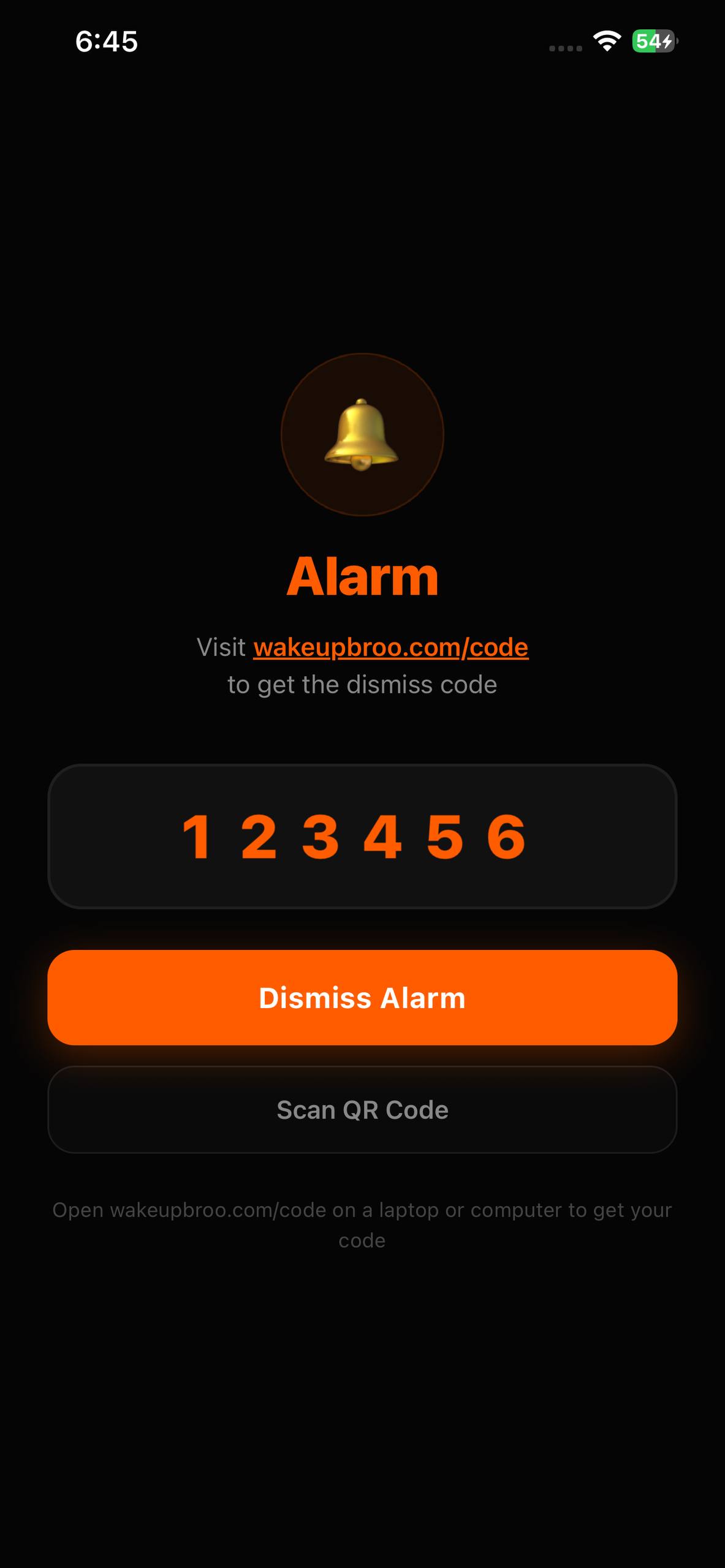
Enter the code
Open this site, grab the code or scan the QR. Type it in. Alarm stops. You're up.
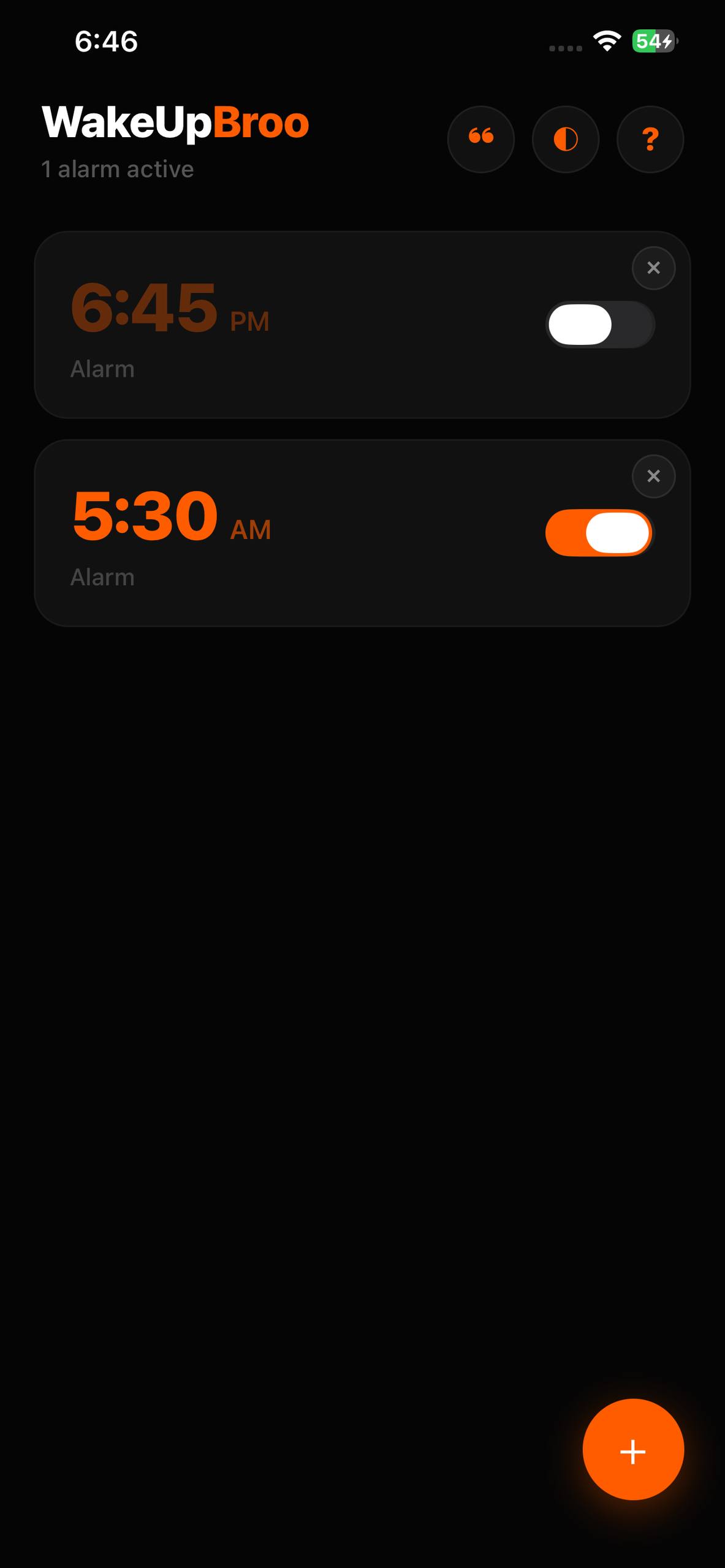
Why it works
A button you can tap half-asleep isn't a barrier
Every other alarm ends with a tap you can perform without waking up. WakeUpBroo replaces that tap with something a sleeping brain cannot do.
The code lives somewhere else
It exists only on this website, so silencing the alarm means reaching a second device instead of rolling over.
It rotates every 5 minutes
An old screenshot can't become a permanent shortcut. The code you need is the one on screen right now.
Nothing leaves your phone
No accounts, no analytics, no ads. The app runs entirely on your device.
FAQ
Questions, answered
What is WakeUpBroo?
WakeUpBroo is an iOS alarm clock app with no snooze and no dismiss button. To silence the alarm you must enter a rotating code that is only available on wakeupbroo.com/code, which forces you to physically leave your bed.
Does WakeUpBroo really have no snooze button?
Correct. There is no snooze and no dismiss button anywhere in the app. The only way to stop the alarm is to enter the current code from wakeupbroo.com/code or scan its QR.
How does the dismiss code work?
The website generates a fresh code that rotates every 5 minutes. When the alarm rings, open wakeupbroo.com/code on a laptop or PC, then type the code into the app or scan the QR.
Where can I download WakeUpBroo?
WakeUpBroo is live on the Apple App Store for iPhone. Tap the App Store button on this page or search 'WakeUpBroo' in the App Store on your iPhone.
Is WakeUpBroo free?
WakeUpBroo is free to download, and new users get a 7-day free trial. After the trial, a WakeUpBroo Pro subscription (monthly or yearly, billed by Apple) unlocks the full app, with unlimited alarms and every alarm sound. Cancel anytime.
Is WakeUpBroo available on Android?
Not yet. WakeUpBroo is currently iPhone-only, and an Android version is actively in development.
Does WakeUpBroo collect personal data?
No. The app runs entirely on your device, with no accounts, no analytics, and no ads. Only WakeUpBroo Pro subscriptions involve the App Store and RevenueCat. See the privacy policy for details.
Explore
Find the right alarm
Best alarm apps for heavy sleepers
An honest comparison of the apps that actually get heavy sleepers out of bed.
Read the guide
No-snooze alarm app
Why removing the snooze and dismiss buttons is the part that finally works.
How it works
QR code alarm app
Scan or type a rotating code from another device to silence the alarm.
See the flow
Alarmy alternative
A simpler alarm that's harder to cheat than mission-based apps.
Compare
Download
Stop sleeping through life
Now on the App Store for iPhone. Android version in development.
v1.2.2 · iOS live · Android in dev